The work that lives in your head, in one place.
Gnosis gives every project its own vault. Files, notes, links, tasks and calendar together, with an AI that has actually read all of it.
Gnosis is in private preview. Leave your email and we will tell you when it opens up. No newsletter, no spam.
Three vaults, a few files dropped in, one question answered with its source.
One project. Six places.
The brief is in a Drive folder. The notes are in a notes app. The research is forty browser tabs.
The thinking happened in a chat window. The to do list is somewhere else again. Nothing knows about anything else.
Gnosis puts one boundary around a project and makes everything inside it searchable, linkable and answerable.
A private space for one area of work or life.
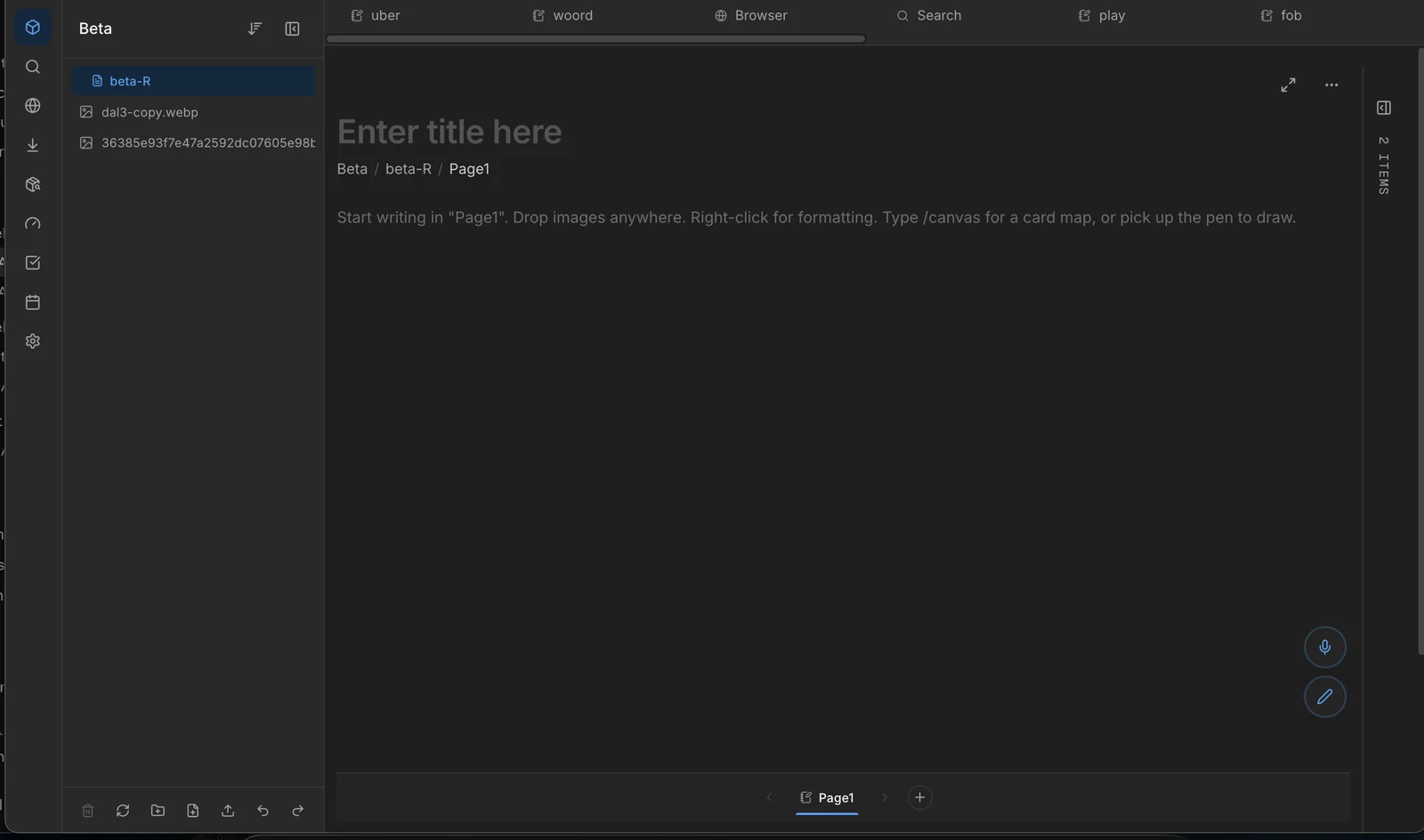
Create as many as you need. Each vault has its own storage, its own members and its own AI context. Invite people in and they see its workspaces, pages and files. Lock it and it refuses to open without the password.
Not a notes app
Notes are one item type among many. Files, links, drawings, voice memos, tasks and calendar live in the same vault.
Not a chatbot with file upload
The AI answers from the whole vault and points back to the source, so nothing has to be taken on faith.
Not a cloud drive
Files stay usable as real files on your Mac. Gnosis mirrors them to a folder and keeps in step.
Everything a project needs, inside its vault.
AI that has read your vault
Ask a question, get an answer from your own material, and click straight through to the file it came from. A fast tier for quick lookups, a deeper tier for real reasoning.
Search that reads inside files
Search covers titles and the contents of documents, with a live preview of the match in context. Text inside images and scanned PDFs is recognized on device, so a screenshot becomes findable by what it says.
Card maps on the page
Drop a visual card map into any page. Cards point at real items in the vault, carry status and priority, and connect with lines. A whiteboard inside the document instead of a separate app.
Gnosis in Finder
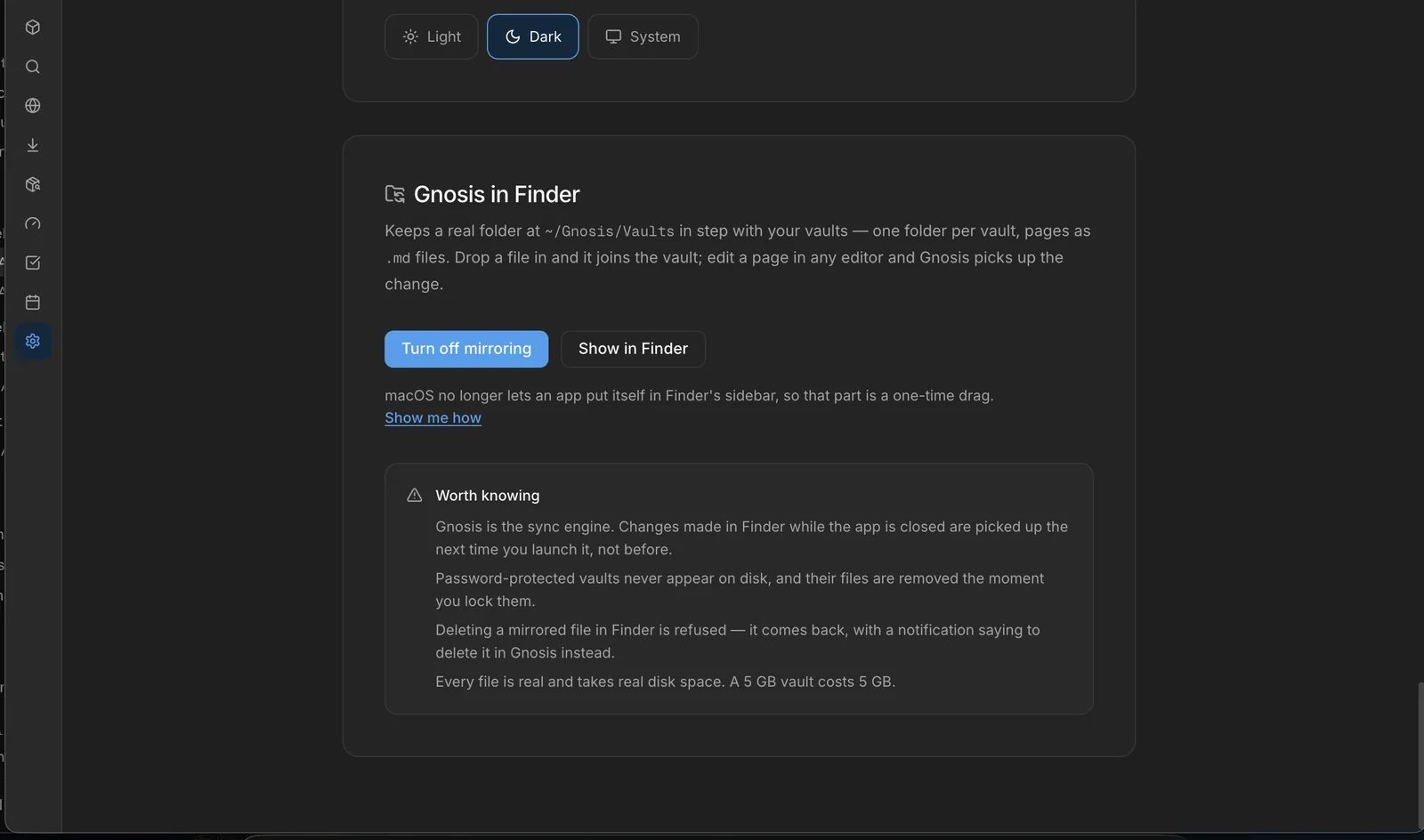
Your vaults are real folders on your Mac. Pages appear as markdown files. Open them in Finder, edit them anywhere, and Gnosis keeps up.
Locked vaults
Lock any vault, workspace, folder or file behind a password. Locked content refuses to open until the password is entered, and unlocks end when the app quits. Protection against someone sitting at your laptop.
Tasks and calendar
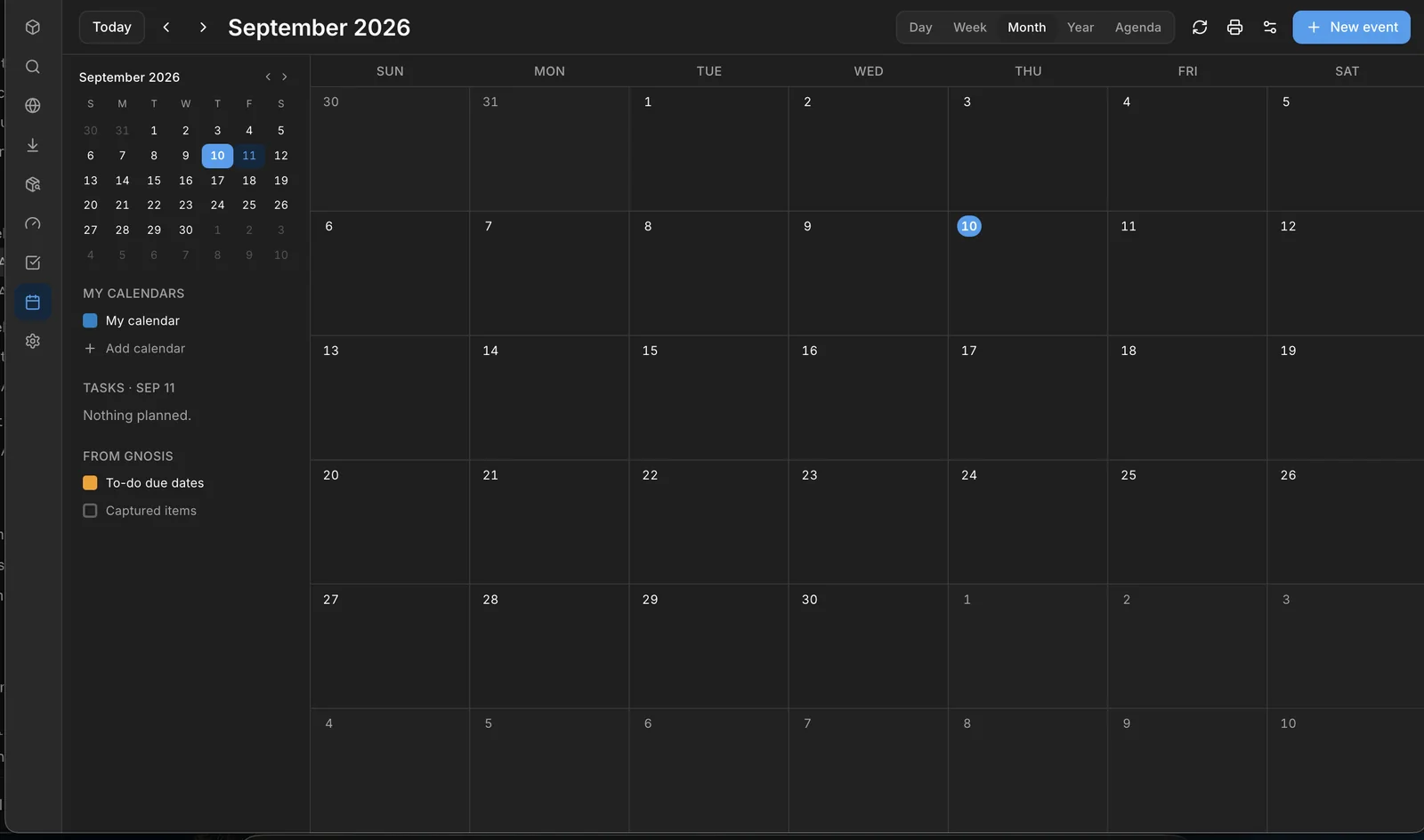
Tasks with due dates, projects, recurring schedules, reminders and snooze. A calendar that shows due dates and scheduled work in one view, with two way sync to Google and Microsoft calendars.
Built in browser
A real browser inside the app, so a saved link opens where the work is instead of in a separate window. Bookmarks, history and downloads included.
Voice and ink
Record a voice memo into a vault or dictate straight into a page; audio is transcribed so it becomes searchable text. Draw and highlight over any page by hand.
Internal preview, September 2026.
Your files, your Mac, your rules.
From the team that ships production systems for a living.
RJ Autonomous builds AI automation, custom software and websites for teams in the DC metro, and its own products: Apex Steward, ApexAudit, and now Gnosis. The same discipline that survives a client's security review went into this app.
Be first in when it opens.
Gnosis is in private preview. Leave your email and we will tell you when it opens up. Coming soon to macOS.
One email when it is ready, nothing else.